
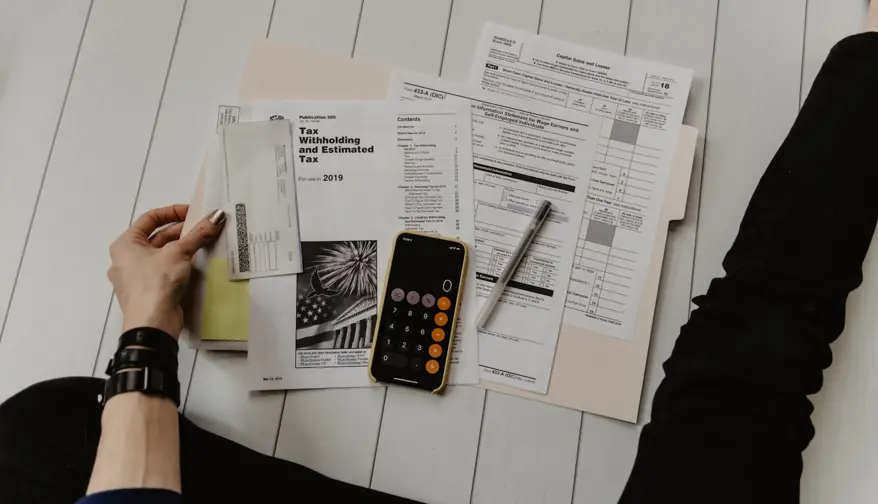
How to Calculate GST and QST in 30 Seconds
As a self-employed contractor in Quebec, you must charge GST (5%) and QST (9.975%) once your revenue passes $30,000. Here's the formula to use.
 The L'app du travailleur team
GST and QST: the two taxes you need to know
If you're self-employed in Quebec, you likely need to charge your clients two taxes:
- GST: federal tax of 5%
- QST: provincial tax of 9.975%
Combined: 14.975% of your subtotal.
Do I need to register for taxes?
Registration is mandatory once your taxable revenue exceeds $30,000 over four consecutive quarters.
Below that threshold, it's optional, but often worthwhile, since you can recover the tax you paid on business purchases (see below).
The formula
Subtotal × 0.05        = GST owed
Subtotal × 0.09975     = QST owed
Subtotal × 0.14975     = Total tax
A real example
You do electrical work billed at $850:
| Line | Amount |
|---|---|
| Subtotal | $850.00 |
| GST (5%) | $42.50 |
| QST (9.975%) | $84.79 |
| Total to invoice | $977.29 |
Recover the tax on your purchases
When you buy tools, materials, or supplies for your business, you pay tax on them. That tax is recoverable through input tax credits (ITCs/ITRs).
In practice: you deduct the tax you paid on purchases from the tax you owe the government. On $10,000 of business purchases a year, that's roughly $1,498 in recovered tax, straight back in your pocket.
This is one of the main reasons many self-employed contractors register voluntarily before hitting the $30,000 threshold.
Common mistakes
Applying tax to the wrong amount. Tax is calculated on the subtotal, not on a figure that already includes other non-taxable charges.
Forgetting to show the amounts separately. If your invoice is over $150, GST and QST must appear on separate lines, not just "taxes included."
Not putting your registration numbers on the invoice. Your GST number (format: 123456789 RT0001) and QST number (format: 1234567890 TQ0001) must appear on every invoice.
Calculate your taxes automatically
With L'app du travailleur, you enter your GST and QST numbers once in your settings. From then on, every invoice calculates and displays them automatically, at the right rate, with your registration numbers. Compliant, fast, and error-free.
More from the blog

Invoice Template for Self-Employed Contractors in Quebec
A free Excel invoice template and what a Quebec invoice must include: GST/QST, NEQ, RBQ licence, payment terms, late fees, and common mistakes.

How to Write a Quote in Quebec (and Turn It Into an Invoice)
What a Quebec quote should include, a concrete template, the exclusions that protect you, and how to convert it into an invoice once the client accepts.
Tax-Deductible Expenses for Self-Employed Workers in Quebec: The Complete List
Vehicle, tools, home office, GST/QST: the complete list of tax-deductible expenses for self-employed contractors in Quebec, based on Revenu Québec's rules.

Client Won't Pay: How to Follow Up Without Losing the Client
Overdue invoice, silent client: here's how to follow up effectively (with email templates), what Quebec law says, and how to automate your reminders.